
Download Portinho Boot XP – boot speed, system optimization, startup performance, Windows XP, defragmentation, prefetcher, cache optimization, lightweight tool, computer efficiency, system file management
Overview
Portinho Boot XP is a lightweight system utility designed to enhance the startup performance of Windows XP-based computers. The application focuses on optimizing core system processes to reduce boot times and improve overall system responsiveness. Although it does not restore the original speed of early Windows XP systems, it offers practical improvements by targeting specific bottlenecks in the startup sequence. The app is particularly relevant for users still relying on legacy systems where performance degradation due to file fragmentation and memory inefficiencies has become noticeable over time.
Target users include individuals managing older PCs, IT professionals maintaining legacy infrastructure, and users seeking simple, no-frills system optimization without installing heavy software. The app addresses common issues such as slow boot sequences caused by fragmented system files, outdated prefetch data, and inefficient cache usage. By streamlining these elements, Portinho Boot XP contributes to a more efficient computing experience on aging hardware.
Developed by Portinho, the application was released on October 16, 2006, placing it in the early era of widespread Windows XP usage. While the developer’s background is not publicly documented beyond the app name, the tool’s design reflects a focus on minimalism and direct system intervention. Its presence in the system utilities category underscores its role as a specialized tool rather than a comprehensive maintenance suite.
Real-world use cases include preparing older machines for daily use, improving responsiveness in educational or public computing environments, and supporting long-term system stability on non-upgradable devices. Despite its age, the app remains a niche solution for users who value functional efficiency over modern features.
Key Features & Functionality
Portinho Boot XP delivers a focused set of tools aimed at improving startup performance through targeted system adjustments. Each feature is designed to address a specific aspect of the boot process, ensuring that optimizations are precise and effective.
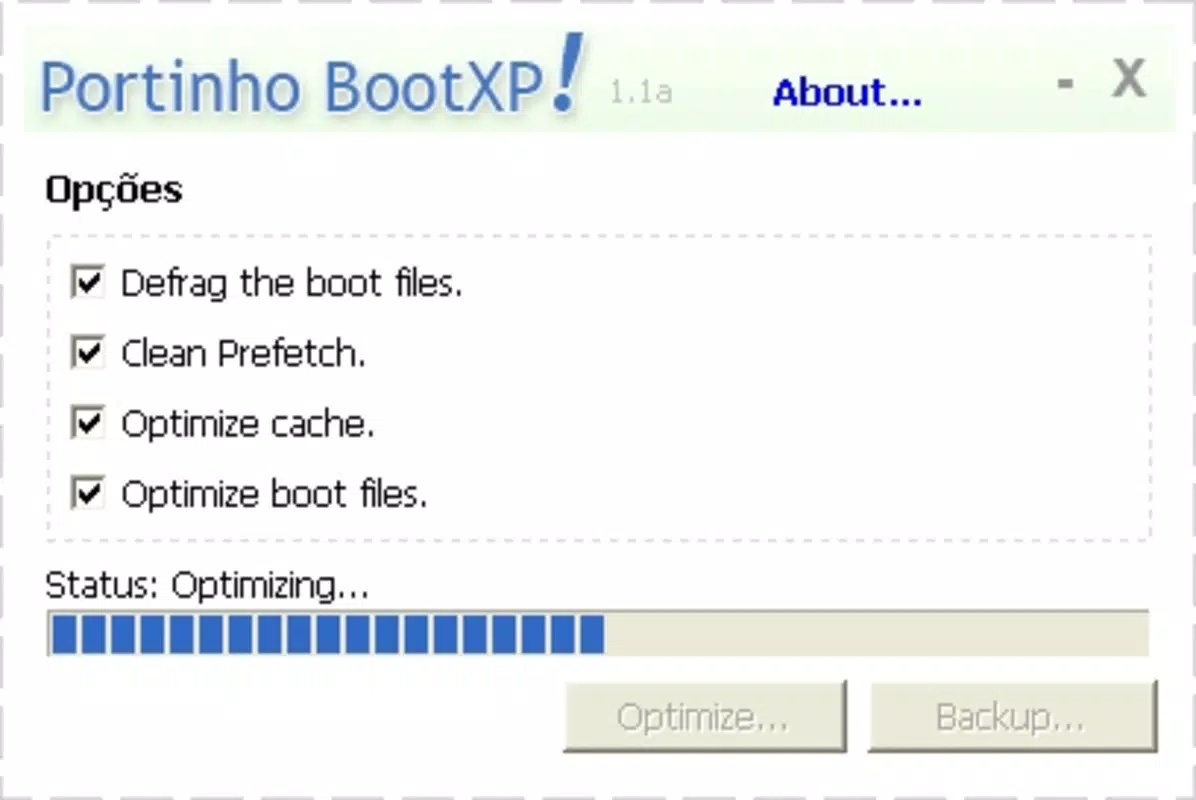
- Defragment System Files: The app identifies and reorganizes critical system files on the hard drive, reducing fragmentation. This allows the operating system to access essential files faster during startup, minimizing delays caused by scattered data.
- Clean the Prefetcher: By clearing outdated or irrelevant entries in the Windows Prefetcher cache, the application ensures that only the most relevant startup data is retained. This reduces memory overhead and improves load efficiency for frequently used programs.
- Optimize Cache Memory: The tool manages system cache memory, prioritizing vital data and removing obsolete entries. This helps the OS allocate memory more effectively during boot, leading to quicker application launches and smoother initial operation.
- System Files Optimization: The app performs light modifications to system file configurations, removing unnecessary entries and ensuring that core files are accessible and properly indexed. This contributes to a more stable and responsive startup sequence.
Each feature operates independently, allowing users to select specific actions based on their system’s needs. For example, a user experiencing slow boot times after prolonged use might run the defragmentation and prefetcher clean tasks. A machine with limited RAM may benefit more from cache optimization. The app’s modular approach ensures flexibility without requiring advanced technical knowledge.
Interface, UX & Performance
Portinho Boot XP features a minimalistic interface, consistent with its lightweight design philosophy. The application presents users with a straightforward dashboard listing the available optimization tasks. Navigation is intuitive, relying on basic buttons and clear labels, making it accessible even to users with limited technical experience.
The visual style is plain and functional, prioritizing clarity over aesthetics. There are no animations or complex graphics, which aligns with the app’s goal of efficiency. The layout is optimized for small screen sizes, a practical consideration given the era in which it was developed.
Performance is a key strength of the application. Although the developer did not list formal performance metrics, the app’s small file size of 1.2 MB and low resource consumption suggest it runs efficiently on older hardware. It operates quickly, completing tasks in a matter of seconds, and does not significantly impact system performance during execution.
Responsiveness is consistent across different device categories, particularly on systems running Windows XP with standard configurations. Stability is maintained during and after use, with no reported crashes or conflicts in the available documentation. The lack of background processes ensures that the app does not interfere with ongoing operations.
Platform Compatibility & Technical Requirements
Portinho Boot XP is designed exclusively for the Windows operating system. It is compatible with Windows XP, the platform for which it was originally developed. The application has a file size of 1.2 MB, indicating a minimal footprint and low storage demand.
The software version is listed as 1.0.0, suggesting it was released as a stable initial build. Specific requirements such as minimum RAM, processor speed, or disk space were not disclosed by the developer. As such, compatibility with modern Windows versions or newer hardware is not confirmed.
The developer did not specify minimum OS requirements beyond the stated platform. Users should exercise caution when attempting to run the application on systems other than Windows XP. While some older systems may support it, there is no guarantee of stability or functionality on updated operating systems.
Pros and Cons
Pros
- Lightweight design with minimal system resource usage
- Specific focus on startup performance optimization
- Simple, intuitive interface suitable for non-technical users
- Free to download and use with no hidden costs
- Designed for older systems where performance degradation is common
Cons
- Not compatible with modern Windows versions beyond XP
- No updates or official support since 2006
- Limited feature set focused only on boot-related tasks
- No advanced diagnostics or reporting tools
- Developer has not provided technical documentation or changelogs
FAQ
Is Portinho Boot XP safe to install?
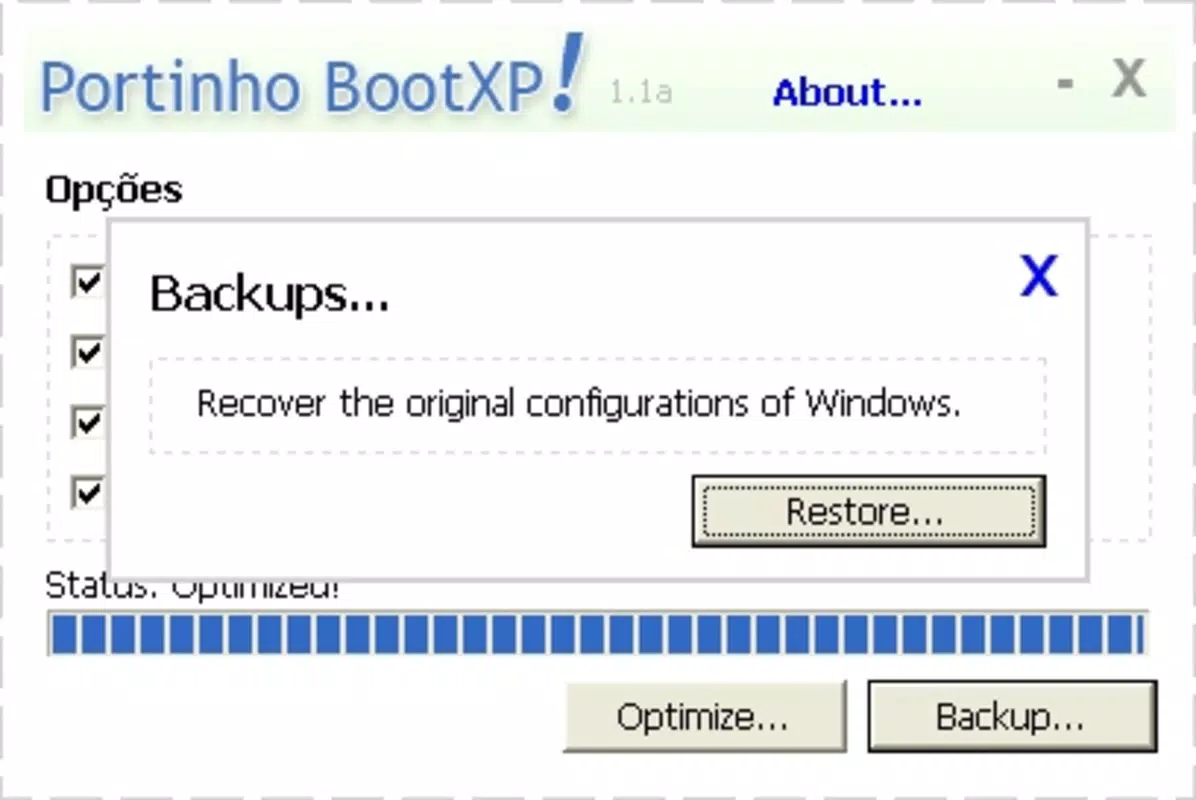
Yes, the application is free and does not include malware or intrusive components. However, as it modifies system files, users should exercise caution and ensure they have a backup before running any optimization tasks.
Can I use Portinho Boot XP on Windows 10 or 11?
Compatibility with Windows 10 or 11 is not confirmed. The app was designed for Windows XP, and running it on newer systems may result in errors or instability. It is recommended for use only on supported legacy platforms.
Does Portinho Boot XP require administrative privileges?
While the developer did not specify, system-level optimizations such as defragmentation and cache management typically require elevated permissions. Users may need to run the app as an administrator for full functionality.
How often should I run Portinho Boot XP?
There is no official recommendation. However, running the tool once every few months may help maintain optimal startup performance, especially on systems used continuously over long periods.
Is Portinho Boot XP updated regularly?
As of the release date in 2006, the app has not received any updates. The developer has not released new versions or patches, and no official support channels are available.
Final Thoughts
Portinho Boot XP remains a niche but functional tool for users maintaining older Windows XP systems. Its lightweight nature and targeted approach to startup optimization make it a valuable utility for restoring some of the responsiveness lost over time. While it lacks modern features and updates, its simplicity and focus on core performance issues ensure it still serves a purpose in specific contexts.
For individuals managing legacy hardware, educational institutions with outdated machines, or hobbyists preserving vintage computing setups, this app offers a practical solution. It provides tangible benefits without the overhead of complex software suites.
Despite its age, Portinho Boot XP delivers on its core promise: improving boot speed and system efficiency. If you’re using a Windows XP machine and seeking a no-frills optimization tool, this app is worth considering.
Download Portinho Boot XP now


